Connecting to apps without giving away your keys

Connect, never import
Most apps talk to a browser wallet such as MetaMask, and the safe way to use one with a hardware wallet is to connect the device, so that MetaMask shows the account and the device still does the signing.
MetaMask’s hardware wallet guide has the current screens. Leave blind signing off, even where that guide mentions it. From then on the account appears in MetaMask, and every transaction still waits for a press on the device.
MetaMask also has a feature called Import account. It takes a private key and stores it inside the browser, and it’s for an account that lives in software. A hardware wallet’s key or phrase never goes into it, or into any software wallet.
MetaMask’s own guide says to create the phrase on the hardware wallet, never to import one from MetaMask. Type the phrase into a browser once and the device has nothing left to protect.
Two kinds of request
An app can ask your wallet for two things, and they look alike on the screen.
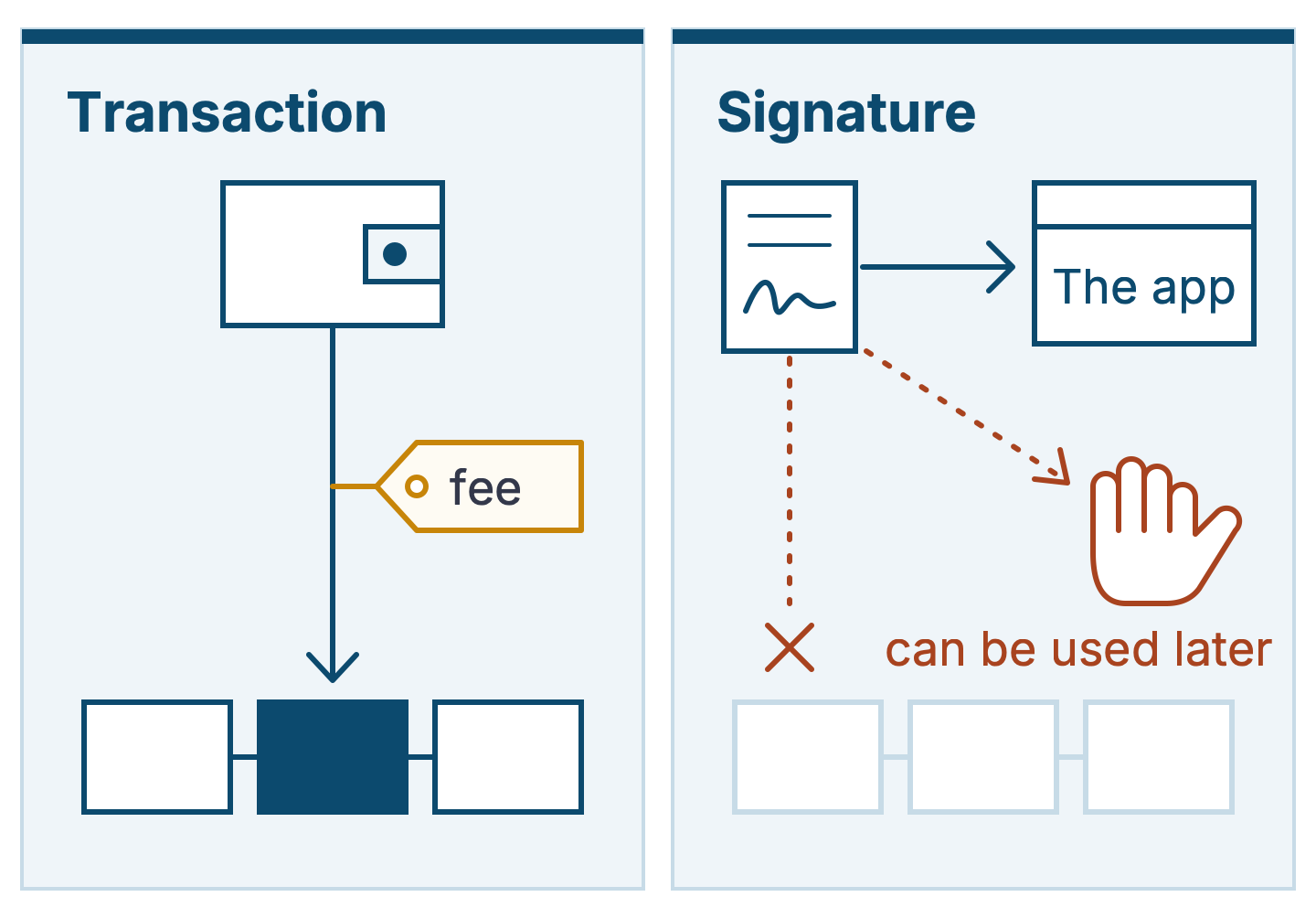
A transaction moves coins or tells a contract to do something. It costs a fee, and it appears on the chain for anyone to see.
A signature is a message you sign with no fee and no record on the chain. MetaMask’s page on the subject says such signatures “are never broadcast to the network.”
Some are harmless, like signing in to a site. Others move money.